me·trop·o·lis –noun, plural -lis·es. 1. any large, busy city. 2. the chief, and sometimes capital, city of a country, state, or region. 3. a central or principal place, as of some activity: the music metropolis of France. 4. the mother city or parent state of a colony, especially of an ancient Greek colony. 5. the chief see of an ecclesiastical province.
Monday, 4 April 2011
Evaluation (image manipulation)
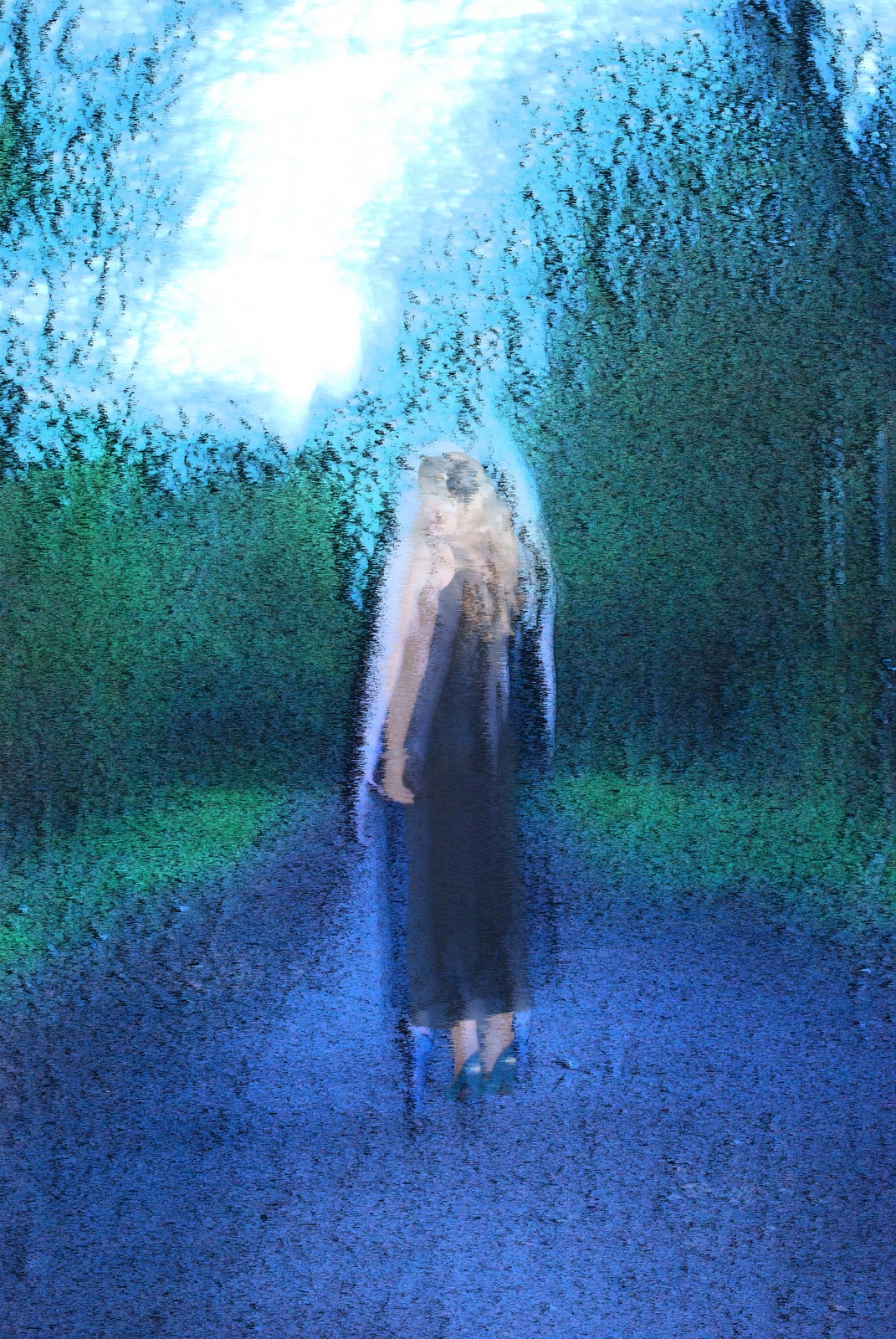
For this unit i was really confused and not quite sure what i was doing through out the whole project now i am back on track with it now, the night i did my basic make up application shoot the final one with lauren i took her to Oday lake and took some image that would be able to cross over to this unit, half of the images i was unable to use because it was to dark outside, but the image i did get i was really impressed with which led me to not having to do more than one shoot, i researched both the metropolis film and used screen shot of the film when i was planning my shoot, i would have loved to have used the illamasqua make up for my shoot but i couldn't get hold of any in time, i actually fell in love with the illamasqua research. for the final i edited four different image and got niki, remi, abby and faith to pick there favorites, my vote was the presiding vote, we chose the second image of the four images which i will upload in a final image manipulation post in a minute, in this post i will upload the image that i edited which the blue background from the lakeside. I was really impressed with how it turned out but i have a sneaky feeling that i haven't done as much work for this brief as i actually think i have, which is obviously going to cause me to only get a pass, i think i could have definatly time managed better but i have other things going on that were more important.
image manipulation and computer applications
i started with the original image, i then opened the stationry image of lauren in photoshop too.
i used the magnetic lasso tool and selected lauren in the staionary image and dragged her across to the blured image, in which creating to layers a blurred background and a staionary foreground.
when the two images were together i aligned lauren with the blurred background ...
then i edited the opacity leaver on the right hand side for the desired effect
i then selected the background layer and changed it to grayscale leaving the stationary lauren in colour.
then i arrived at my final outcome which is exactly what i wanted and im really pleased with it.
Lego Block, Contact sheet.
Here is the contact sheet from our day of Lego, the bottom three images are the images i used in the crafted clone stamp of the oxford shoot images which turned out really really well in my view anyway.
experimental manipulation shots.
I really love all four of these images, the first is just the original image with an overlay of a stationary lauren, the second is a black and white blurred background and a coloured lauren i think the contrast worked really well. The third image has filter of grain with a clear overlay of lauren, and the last but by far the least is a filter of grain with a background greyscale and a coloured stationary lauren in the foreground i think out of the four my favorite by a mile is the second image.
Image manipulation and computer applications.
Oddly i actually really loved editing these images, and am really pleased with how they have turned out, even though it looks like lauren is squinting. I think they really came out in the style of alex parish the student photographer refered to me by a friend, i really loved his work.
Subscribe to:
Posts (Atom)